
SettingsEditor
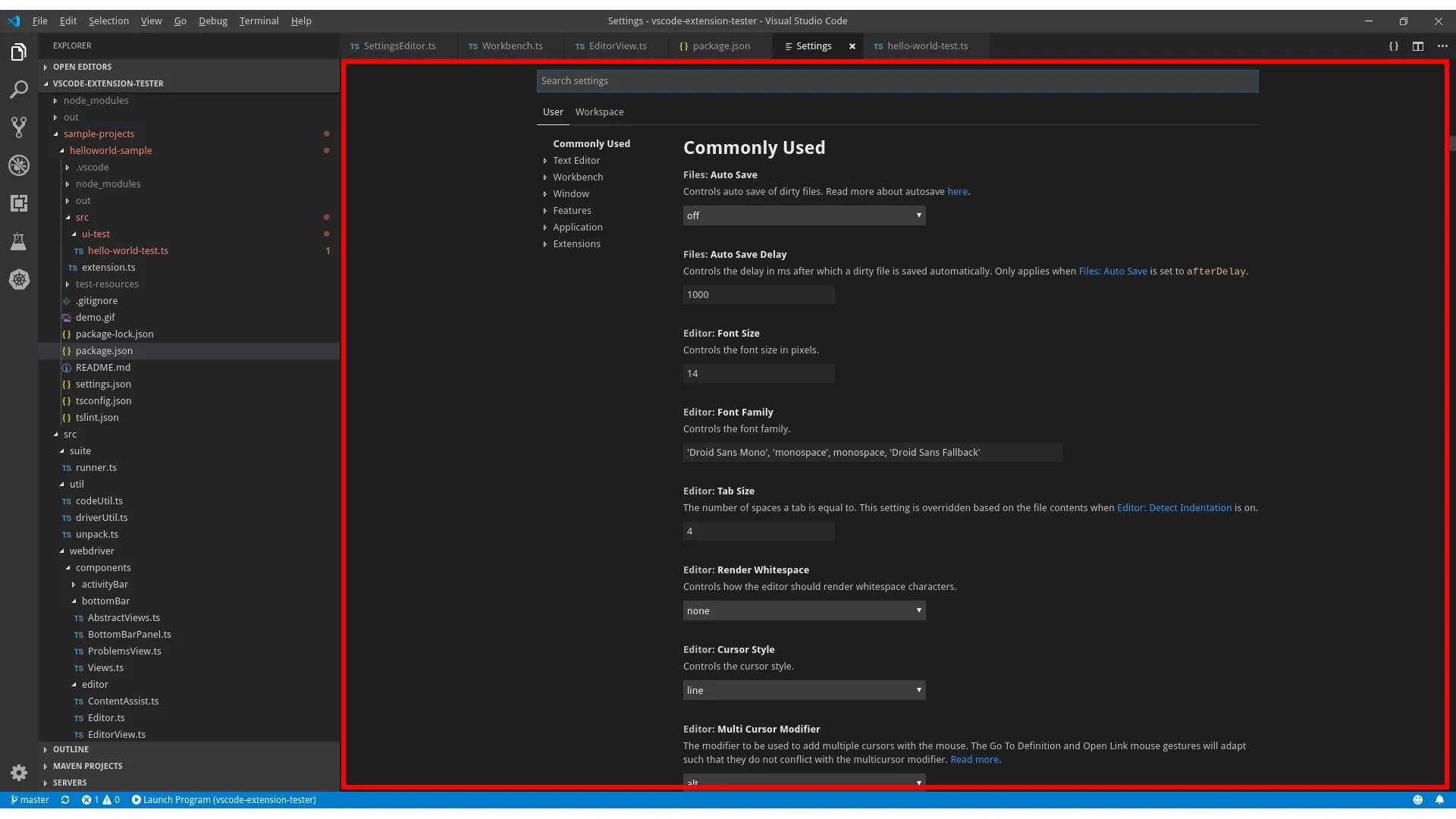
Lookup
Section titled “Lookup”Settings editor can be opened through variety of ways, recommended way is using the Workbench class:
import { Workbench, SettingsEditor } from 'vscode-extension-tester'...const settingsEditor = await new Workbench().openSettings();Find a Setting Item in the Editor
Section titled “Find a Setting Item in the Editor”Search for a setting with a given name and category, see more about the Setting object:
// look for a setting named 'Auto Save' under 'Files' categoryconst setting = await settingsEditor.findSetting("Auto Save", "Files");
// find a setting in nested categories, e.g. 'Enable' in 'Files' > 'Simple Dialog'const setting1 = await settingsEditor.findSetting("Enable", "Files", "Simple Dialog");
Find a Setting by ID
Section titled “Find a Setting by ID”Look up a setting directly by its ID, the robust way to find extension-contributed settings:
// e.g. the ID of 'Files > Auto Save' is 'files.autoSave'const setting = await settingsEditor.findSettingByID("files.autoSave");Switch Settings Perspectives
Section titled “Switch Settings Perspectives”VSCode has two perspectives for its settings: ‘User’ and ‘Workspace’. If your VSCode instance loads from both user and workspace settings.json files, you will be able to switch the perspectives in the editor:
// switch to Workspace perspectiveawait settingsEditor.switchToPerspective("Workspace");