
ContextMenu
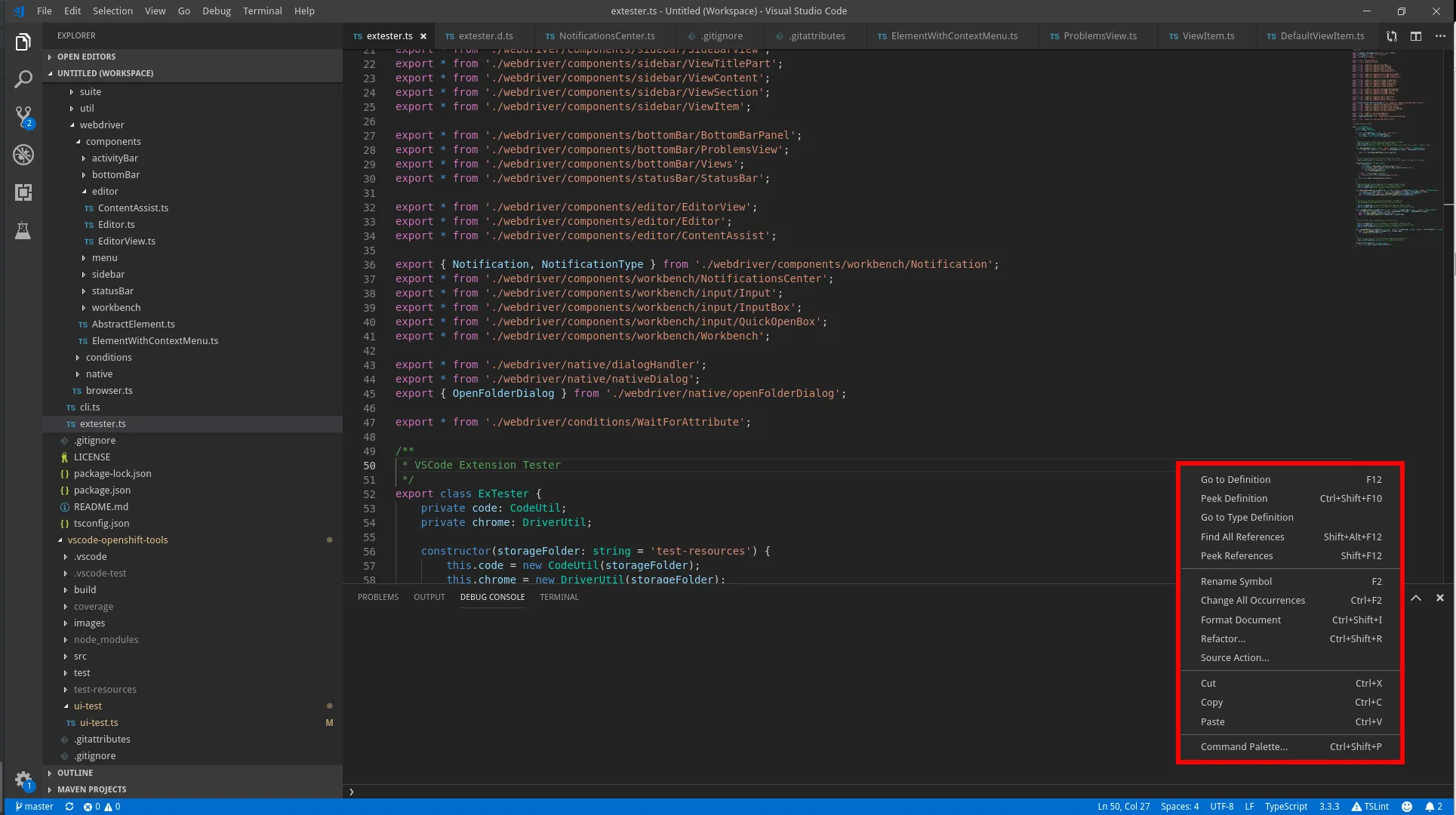 Page object for any context menu opened by right-clicking an element that has a context menu. Title bar items also produce context menus when clicked.
Note: on newer VS Code versions some menus (notably the text editor’s) are rendered in a workbench-level shadow root instead of the element’s own subtree; the framework handles both shapes transparently.
Open/Lookup
Section titled “Open/Lookup”Typically, a context menu is opened by calling openContextMenu on elements that support it. For example:
import { ActivityBar, ContextMenu } from 'vscode-extension-tester';...const menu = await new ActivityBar().openContextMenu();Retrieve Items
Section titled “Retrieve Items”// find if an item with title existsconst exists = await menu.hasItem("Copy");// get a handle for an itemconst item = await menu.getItem("Copy");// get all displayed itemsconst items = await menu.getItems();Select Item
Section titled “Select Item”// recursively select an item in nested submenusawait menu.select("File", "Preferences", "Settings");// select an item that has a child submenuconst submenu = await menu.select("File", "Preferences");Close the Menu
Section titled “Close the Menu”Close the context menu without selecting anything.
await menu.close();