
TextEditor
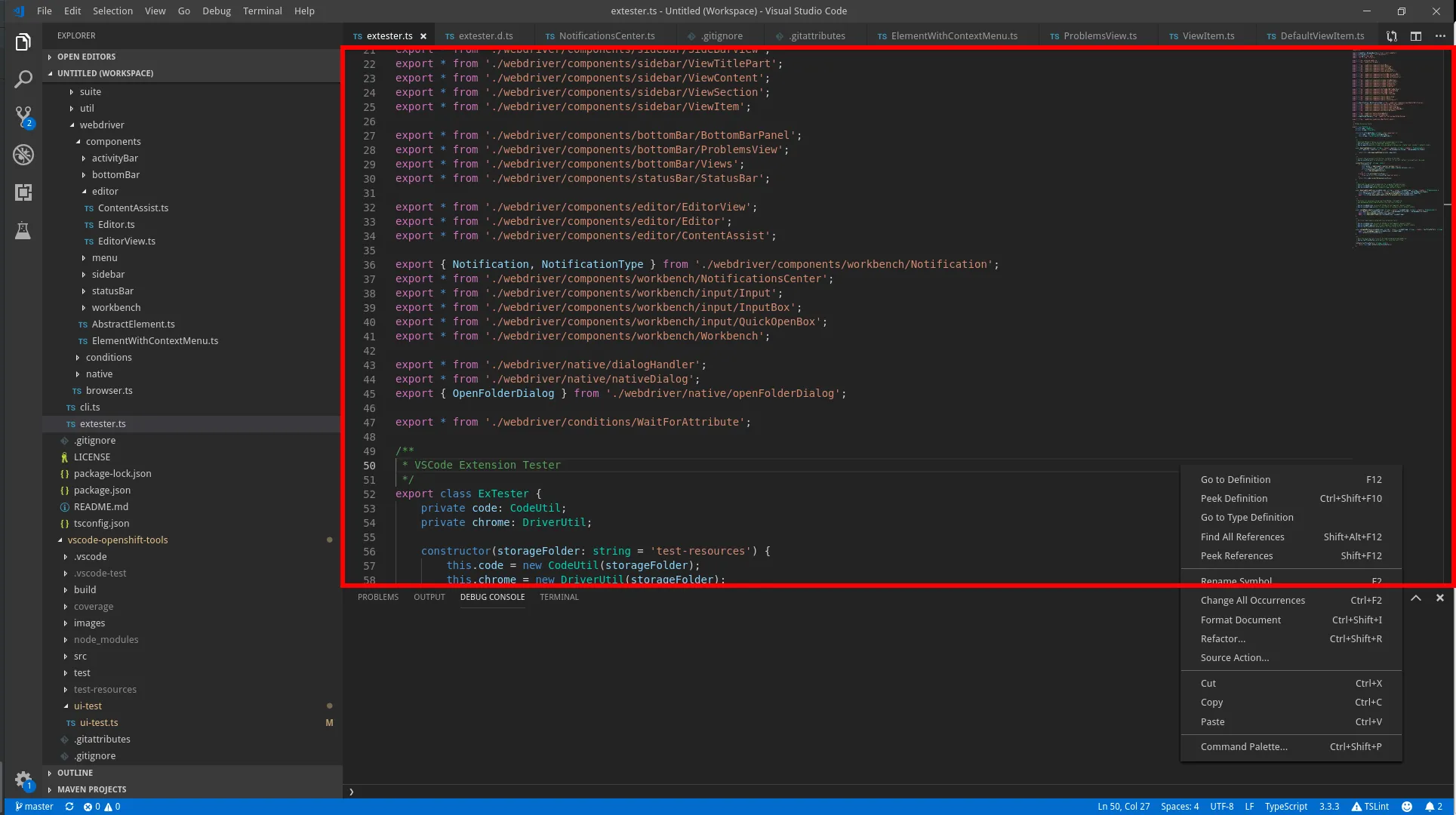
Lookup
Section titled “Lookup”import { TextEditor, EditorView } from 'vscode-extension-tester';...// to look up current editorconst editor = new TextEditor();// to look up an open editor by nameconst editor1 = await new EditorView().openEditor('package.json');Text Retrieval
Section titled “Text Retrieval”Note: Most text retrieval and editing actions will make use of the clipboard.
// get all textconst text = await editor.getText();// get text at a given line numberconst line = await editor.getTextAtLine(1);// get number of lines in the documentconst numberOfLines = await editor.getNumberOfLines();Editing Text
Section titled “Editing Text”// replace all text with a stringawait editor.setText("my fabulous text");// clear all textawait editor.clearText();// replace text at a given line numberawait editor.setTextAtLine(1, "my fabulous line");// type text at the current coordinatesawait editor.typeText("I have the best text");// type text starting at given coordinates (line, column)await editor.typeTextAt(1, 3, " absolutely");// format the whole document with built-in toolsawait editor.formatDocument();// move the cursor to the given coordinatesawait editor.moveCursor(3, 6);// set cursor to given position using command prompt :Ln,Col// preferred, faster alternative to moveCursor (both also accept an optional timeout)await editor.setCursor(2, 5);// get the current cursor coordinates as number array [line, column], both 1-basedconst coords = await editor.getCoordinates();// get the current indentation of opened editorconst indent = await editor.getIndentation();console.log(`indentation label = ${indent.label} and value = ${indent.value}`);Save Changes
Section titled “Save Changes”// find if the editor has changesconst hasChanges = await editor.isDirty();// save the documentawait editor.save();// save as, this only opens the save promptconst prompt = await editor.saveAs();Get Document File Path
Section titled “Get Document File Path”const path = await editor.getFilePath();// or as a file URIconst uri = await editor.getFileUri();Content Assist
Section titled “Content Assist”// open content assist at current positionconst contentAssist = await editor.toggleContentAssist(true);// close content assistawait editor.toggleContentAssist(false);Search for Text
Section titled “Search for Text”// get line number that contains some textconst lineNum = await editor.getLineOfText("some text");// find and select textawait editor.selectText("some text");// get selected text as stringconst text = await editor.getSelectedText();// get selection block as a page objectconst selection = await editor.getSelection();// open the Find (search) widgetconst find = await editor.openFindWidget();Breakpoints
Section titled “Breakpoints”// toggle breakpoint on a line with given number, resolves to true when a breakpoint was addedconst toggled = await editor.toggleBreakpoint(1);// get a breakpoint on a given line, returns undefined if there is noneconst breakpoint = await editor.getBreakpoint(1);// get all breakpoints in the editorconst breakpoints = await editor.getBreakpoints();// get the breakpoint the debugger is currently paused on, returns undefined if not pausedconst paused = await editor.getPausedBreakpoint();CodeLenses
Section titled “CodeLenses”// get a code lens by (partial) textconst lens = await editor.getCodeLens("my code lens text");// get code lens by index (zero-based from the top of the editor)const firstLens = await editor.getCodeLens(0);// get all code lensesconst lenses = await editor.getCodeLenses();
// now you can trigger the lens actions by clickingawait lens.click();
// or just get the textconst text = await lens.getText();const tooltip = await lens.getTooltip();