
WebView
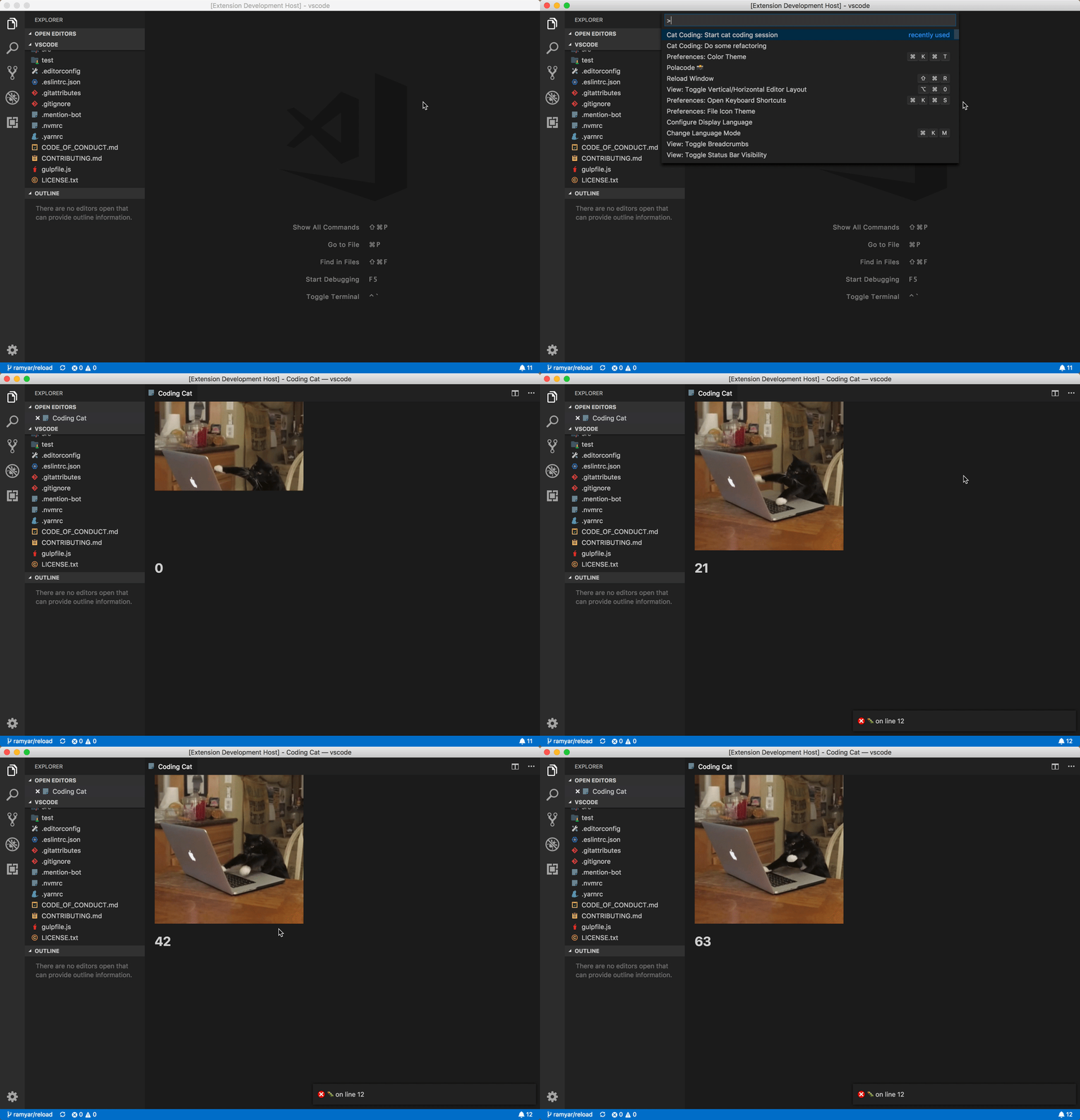
Lookup
Section titled “Lookup”import { EditorView, WebView } from 'vscode-extension-tester';...// using EditorViewconst webview = (await new EditorView().openEditor('webview-title')) as WebView;
// using the constructor assuming the editor is openedconst webview1 = new WebView();Switching Context
Section titled “Switching Context”In order to access the elements inside the web view frame, it is necessary to switch webdriver context into the frame. Analogically, to stop working with the web view, switching back is necessary.
// to switch inside the web view frame, with optional customizable timeoutawait webview.switchToFrame(5_000);
// to switch back to the default windowawait webview.switchBack();
Searching for Elements Inside a Web View
Section titled “Searching for Elements Inside a Web View”Make sure when searching for and manipulating with elements inside (or outside) the web view that you have switched webdriver to the appropriate context. Also, be aware that referencing an element from the default window while switched to the web view (and vice versa) will throw a StaleElementReference error.
// first, switch inside the web viewawait webview.switchToFrame();
// look for desired elementsconst element = await webview.findWebElement(<locator>);const elements = await webview.findWebElements(<locator>);
...// after all web view manipulation is done, switch back to the default windowawait webview.switchBack();